Wireless Intercom System for Home Two Way Talk 2km Range LCD Screen Group Calls Room To Room Master Intercom

$94.00
+ $19.99 Shipping

Wireless Intercom System for Home Two Way Talk 2km Range LCD Screen Group Calls Room To Room Master Intercom

  • Brand: Unbranded

Wireless Intercom System for Home Two Way Talk 2km Range LCD Screen Group Calls Room To Room Master Intercom

  • Brand: Unbranded
RRP: $139.00
Price: $94.00
You save: $45.00 (32%)
Sold by:
$94.00
+ $19.99 Shipping

In stock

14-Day Returns Policy

We accept the following payment methods

Description

Wireless Intercom System for Home Two Way Talk 2km Range LCD Screen Group Calls Room To Room Master Intercom

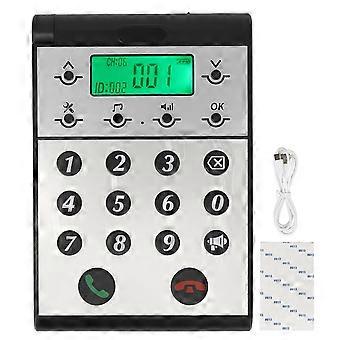
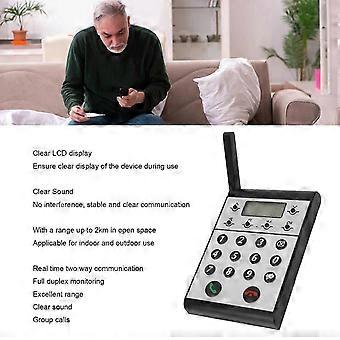
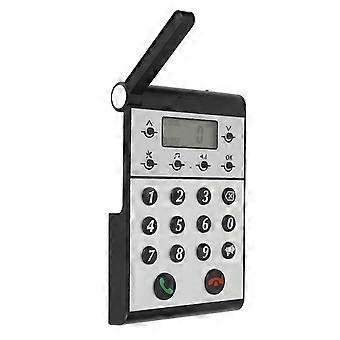
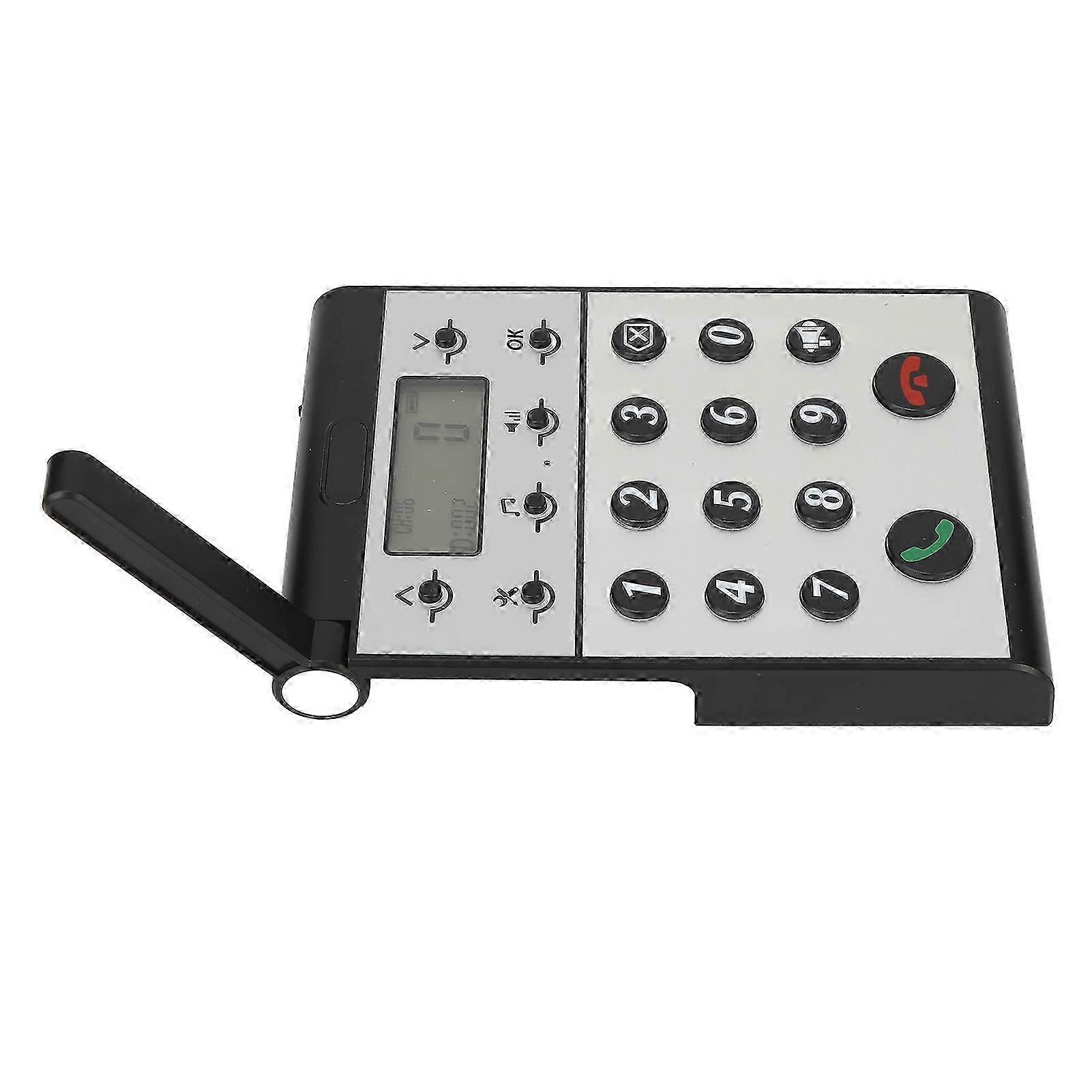
Description Wireless Intercom System for Home Two Way Talk 2km Range LCD Screen Group Calls Room To Room Master Intercom Item Type: Wireless Intercom Maerial: ABS Built in Battery: 2000mAh Lithium ion Battery Volume Level: 7 Levels Communication Distance: Up to 2km in open space Host to Host Intercom: All hosts can call each other Host to Sub intercom: Host can call sub intercoms How e Step One: Setting the ID Number for the Host 1. Press and hold the Settings key for 3 seconds until a beep is heard. 2. The screen will display 1. 3. Press the OK key and ID: 999 will begin to flash. 4. Use the keypad to input the desired ID number (0 is between 1 and 998). 5. Press OK to confirm and an audible dudu sound will indicate that the ID number has been set successfully. Step Two: Setting the Same Channel CH for the Host 1. Press and hold the Settings key for 3 seconds until a beep is heard. 2. Press the upward arrow key ^ once and the screen will switch from 1 to 2. 3. Press OK and CH: 01 will begin to flash. 4. Use the upward or downward v arrow key to adjust the channel CH, selecting a channel number between 01-20. 5. Press OK to confirm and an audible dudu sound will indicate that the channel CH has been set successfully. Step Three: Setting the Same Password for the Host 1. Press and hold the Settings key for 3 seconds until a beep is heard. 2. Press the upward arrow key ^ once more and the screen will switch from 1 to 3. 3. Press OK and 000 will begin to flash. 4. Use the keypad to input the desired password, a three-digit number between 001-999. 5. Press OK to confirm and an audible dudu sound will indicate that the password has been set successfully.
  • Fruugo ID: 408645431-865767100
  • EAN: 8936090420966

Product Safety Information

Please see the product safety information specific to this product outlined below

The following information is provided by the independent third-party retailer selling this product.

Product Safety Labels

CE Mark
Safety Warnings: WARNING! NOT TO BE EXPOSED TO INFANTS AND CHILDREN, MAY CAUSE CHOKING!
Ingredients: Octinoxate 6.5%

Delivery & Returns

Dispatched within 24 hours

  • STANDARD: $19.99 - Delivery between Wed 24 December 2025–Wed 31 December 2025

Shipping from China.

We do our best to ensure that the products that you order are delivered to you in full and according to your specifications. However, should you receive an incomplete order, or items different from the ones you ordered, or there is some other reason why you are not satisfied with the order, you may return the order, or any products included in the order, and receive a full refund for the items. View full return policy