Description
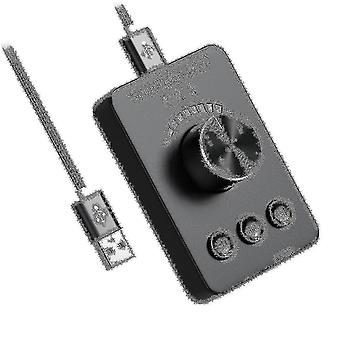
Usb External Volume Control Adjust Knob Bluetooth 5.1 With Play Pause Skip Mute 3 Volume Control Mo
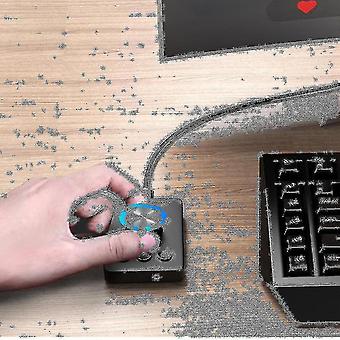
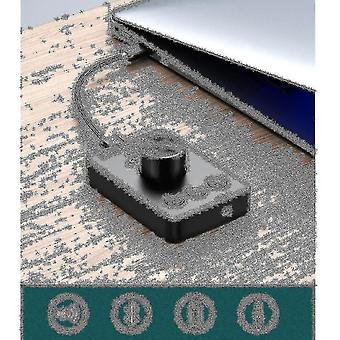
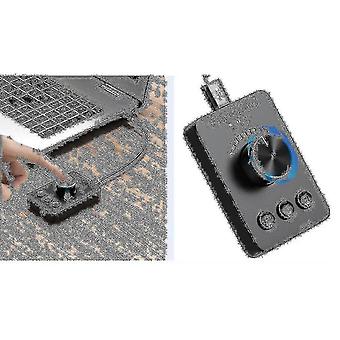
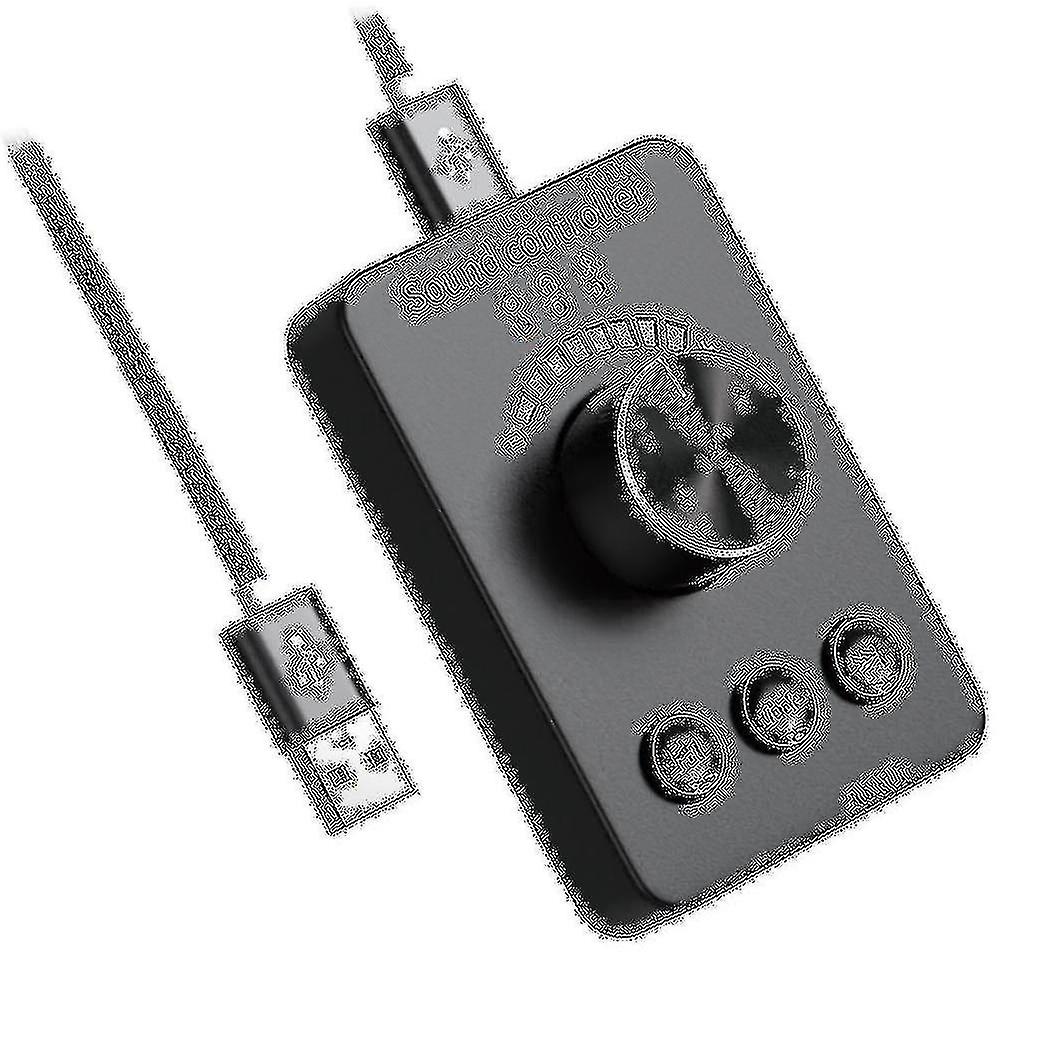
Sound control :The red ON, the knob adjusts the volume of the computer, -key mute, the song up/down song switch.3.5mm
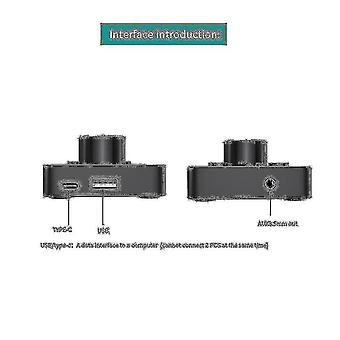
audio output : Blue ON, wired earphone is inserted into AUX OUT hole, computer voice is output from earphone.Bluetooth Transmit: When the green ON, long press the MODE button to enter bluetooth search, and the green light flashes quickly to automatically match around bluetooth headset, Bluetooth speaker and other devices, the green light is steady on after successful pairingModel NO: CP100; Bluetooth version: Bluetooth 5.1; Bluetooth protocol: A2dp/avctp/avdtp/avrcp/hfp/spp/smp/att,gap/gatt/rfcomm//l2cap; Music format: MP3, WMA, APE, FLAC, AAC, MP4, M4A, WAV, AIF, AIFC; Signal to noise ratio: greater or equal to 90dB; Compatible system: WinXP 7 8 10, os, plug and play, no driver requiredNote: different Bluetooth headsets / speakers use different schemes and protocols to search for connections.
The time will be different.
If the search fails, please turn on Bluetooth to check.
Turn on the Bluetooth headset, unplug the USB cable and plug it in again.bluetooth
Transmit1.
press the mode button to enter the Bluetooth transmission mode, and the green light flashes slowly (connecting) Cp100 will automatically reconnect the Bluetooth headset / speaker that was paired successfully last time.2.
For new Bluetooth headset, press the moed button for , the green light flashes quickly.
To enter the Bluetooth search mode, automatically search and connect a new Bluetooth headset/speaker.
If not the correct Bluetooth headset, continue to press the mode button to search and pair the Bluetooth headset.3.
Press and hold the mode key to access the Bluetooth headset from (A) to (B), (B) to (C), (C) to (D).If you need to reconnect the Bluetooth headset (A), you need to unplug and plug in the USB cableGreen light flashes slowly: reconnect (automatically connect the last Bluetooth headset / speaker)Green light fast: Bluetooth search in progress (search and connect new Bluetooth devices)The green light is always on: it has been connected and paired successfully.
(wait 10 seconds for sound transmission) Bluetooth switching: long press the mode key to automatically search and connect the Bluetooth deviceColour: BlackMaterial: PlasticPackage Contents:1 x controller1 x USB cableOnly the above package content, other products are not included.Note:
Light and different displays may cause the color of the item in the picture a little different from the real thing.
The measurement allowed error is +/- 1-3cm.
-
Fruugo ID:
213939073-455950035
-
EAN:
5146769411802