Description
Thermal Imaging Camera Black ABS Mobile Phone Thermal Imager with Adjustable Integrated Connector
Thermal Imaging Camera Black ABS Mobile Phone Thermal Imager with Adjustable Integrated Connector
Item Type: Thermal Imaging Camera
Material: Electronic Components, ABS
Color: Black
Temperature range: -20℃ to 300℃
Accuracy: +/- 3℃ +/- 5% of the reading
Resolution: 0.1℃ or 0.1℉
Horizontal Viewing Angle / Vertical Viewing Angle: 43°± 1°/ 43°± 1°
Infrared Image Resolution: 32 x 32
Visible Image Resolution: 640 x 480
Image Format: Png
Video Format: Mp4
Frame Rate: 9Hz
Focal Length: Fixed
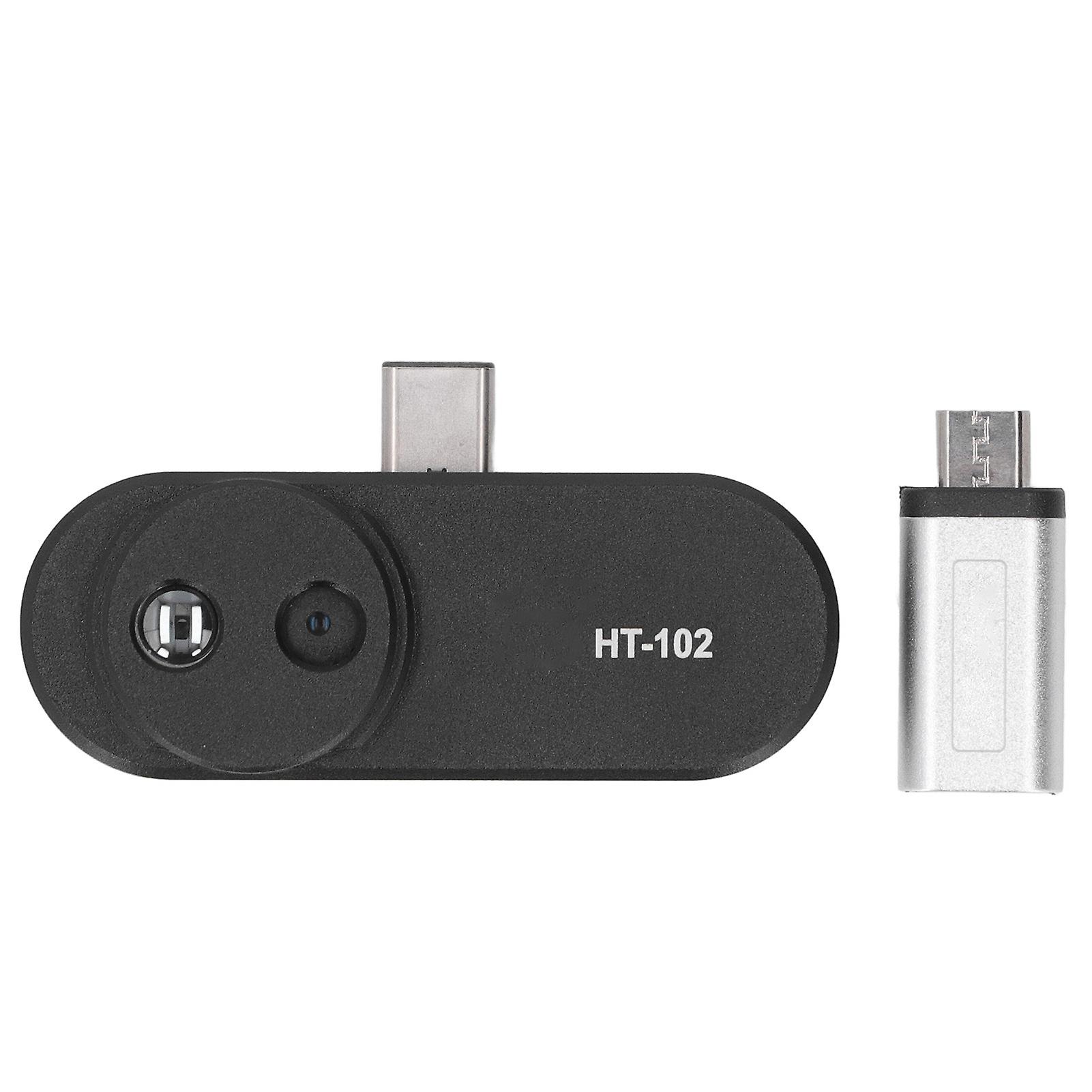
Plug: USB Type C
Power Supply: Power from external devices (e.g. cell phones)
Operating Temperature Range: 0℃-35℃
Storage Temperature: -20℃-60℃
Product Weight: Approx. 20g / 0.7oz
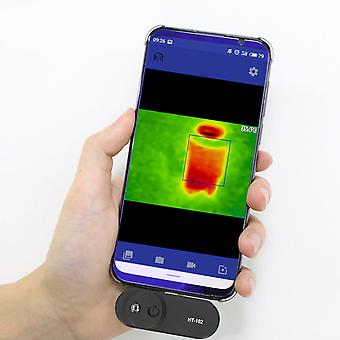
Overview: This product can be operated on a cell phone by connecting for Android phone using the for Thermal Viewer software, making it easy to view infrared images or measure the surface temperature of objects.
Applications: It can be used for HVAC, building heat difference detection, equipment troubleshooting, preventive and predictive maintenance, etc.
Product use.
1. Download application software
Mirroring, face detection; photo taking, video recording
After connecting for Android phone, the product is operated by the for Thermal Viewer software on the phone.
It is very easy to view infrared images or measure the surface temperature of objects, and the product can be used for HVAC, building thermal differential detection, equipment troubleshooting, preventive and predictive maintenance, etc.
Scan the QR code in the user manual or enter the URL to download the for Thermal Viewer software (click here to download the application) and install it (only supported for Android phones).
2. Phone connection
Plug the camera into your phone and the for Thermal Viewer software will open automatically. If your phone does not have a USB Type C port, please use the original adapter for conversion.
Troubleshooting and solutions:
If the connection is disconnected and no image is displayed during use, you can try the following methods:
1. Close the software and reopen it.
2. Unplug the thermal imager and reconnect it to the phone.
3. Turn off your phone, restart it and connect the thermal imager again.
4. Check your phone settings and set the phone to be able to power external devices.
-
Fruugo ID:
411784979-871065114
-
EAN:
4941334553236
Delivery & Returns
Dispatched within 24 hours
Shipping from China.
We do our best to ensure that the products that you order are delivered to you in full and according to your specifications. However, should you receive an incomplete order, or items different from the ones you ordered, or there is some other reason why you are not satisfied with the order, you may return the order, or any products included in the order, and receive a full refund for the items. View full return policy