Description
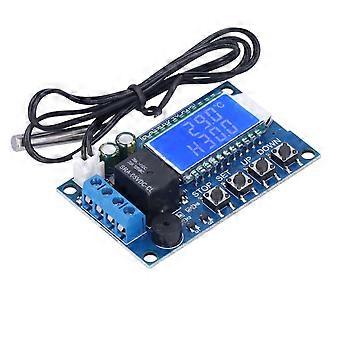
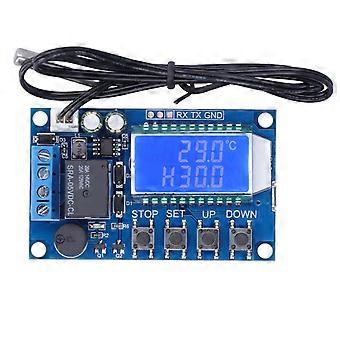
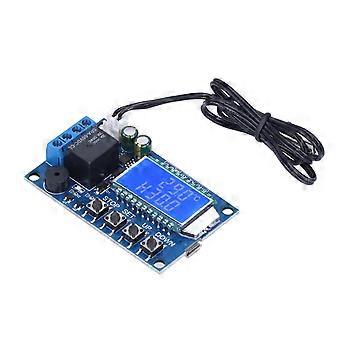
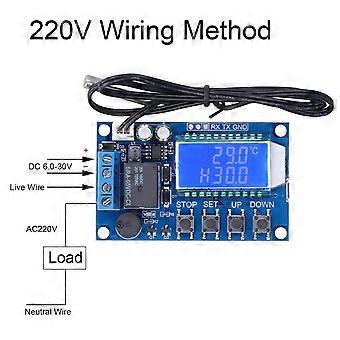
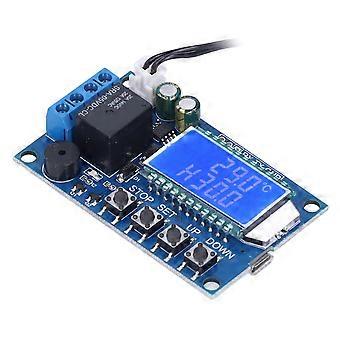
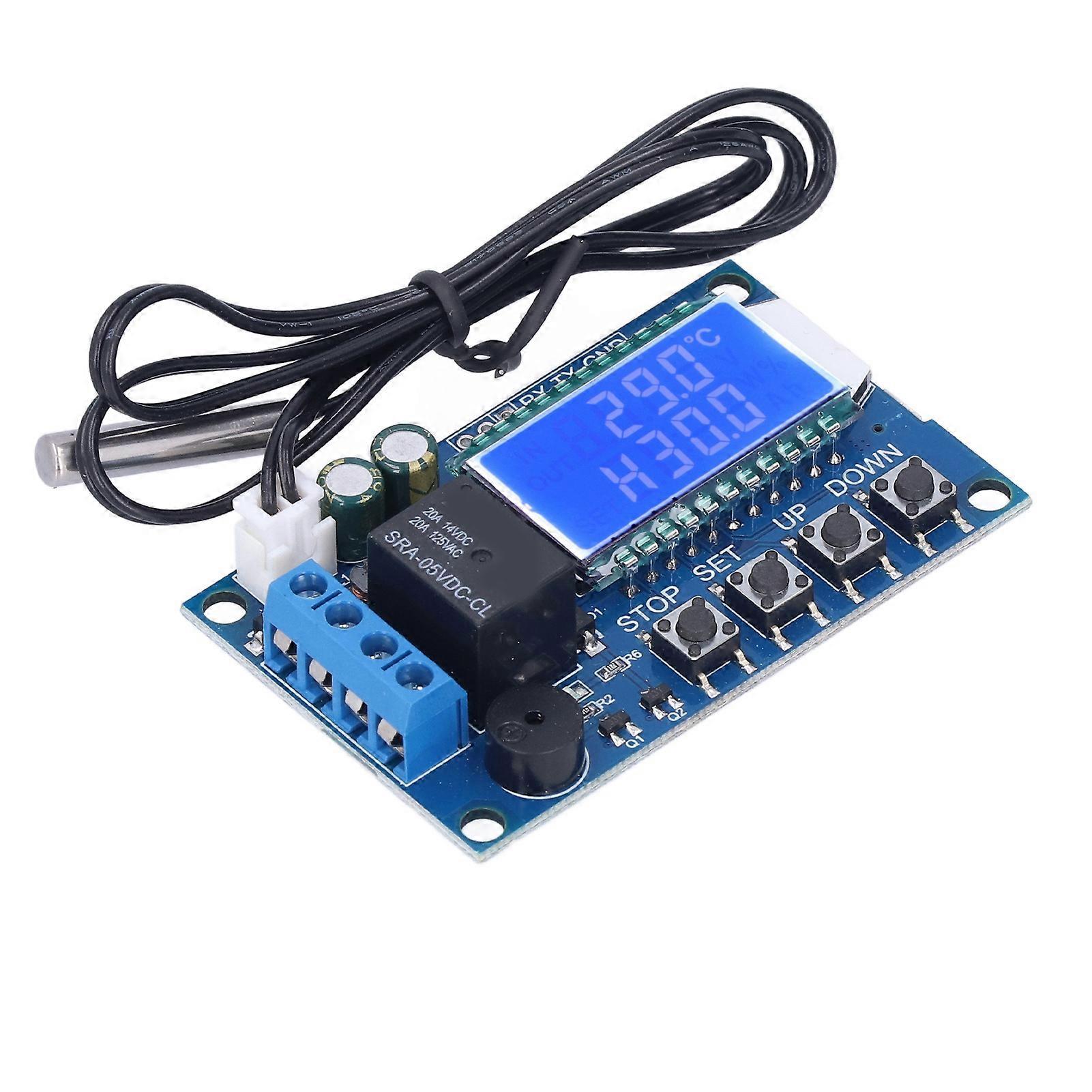
Electronic Temperature Controller Cooling Heating Digital Temp Control Module DC630V XYT01
Electronic Temperature Controller Cooling Heating Digital Temp Control Module DC630V XYT01
Item Type: Electronic Temperature Controller
Product Model: XY-T01
Temperature Control Range: -50℃-110℃
Temperature Control Accuracy: 0.1℃
Measurement Input: NTC10K/B3950
Refresh Rate: 0.5s
Output Type: Relay output 10A
Probe Type: Waterproof Probe
Probe Length: Approx. 0.5meter / 1.6ft
Product Size: Approx. 68 x 42 x 15mm / 2.7 x 1.7 x 0.6in
Heating Mode: When the detection temp is less than or equal to the set temp minus the return difference temp , the relay is turned on and the heating equipment starts working; When the detection temp is greater than or equal to the set temp , the relay is turned off and the heating equipment stops working.
Cooling Mode: When the detection temp is greater than or equal to the set temp plus the return difference temp , the relay is turned on and the cooling equipment starts working; When the detection temp is less than the set temp , the relay is disconnected, and the cooling equipment stops working.
Working Mode Setting Temperature Return Temperature Setting:
1. In the running interface, short press the SET key to enter the quick setting interface
2. After entering the quick setting interface, short press SET to switch the parameters to be set (work mode, set temperature, return temperature);
3. Use the UP DOWN key to modify the parameter value, support short press and long press;
4. Long press SET for more than 3S or continue for 6S without any key operation, exit the quick setting interface, and save the parameters;
Alarm Temperature Delay Start Setting Temperature Correction:
1. In the running interface, press and hold SET for more than 3s to enter the parameter setting interface;
2. After entering the parameter setting interface, short press the SET key to switch the parameter to be set (alarm temperature, delay start setting, temperature correction);
3. Set up and modify parameter values through UP DOWN, support short press or long press;
4. Long press SET for more than 35 or continue for 6 seconds without any key operation, exit the parameter setting interface, and save the parameters;
How to Turn on the High Temperature Alarm (Default Off):
Enter the parameter setting interface, switch to the alarm parameter ALA male face, turn on or off the high temperature alarm function by short pressing the STOP button; if the high temperature alarm function is turned off, ALA displays as a reminder;
How to Turn on the Delayed Start (Default Off):
Enter the parameter setting interface, switch to the alarm parameter OPH interface, and turn on or off the high temperature alarm function by short pressing the STOP button; if the high temperature alarm function is off, OPH will display as a reminder;
Serial port control (single chip TTL level communication)
Communication Standard: 9600bps
Data Bits: 8
Stop Bit: 1
Check Digit: None
Flow Control: None
Serial Command
Instructions
Start
Start Temperature Report
Stop
Stop Temperature Report
Read
Read Setting Parameter
On
Relay Enable Open
Off
Relay Enable Close
S: XXX
Set Set Temperature
-50~-01
00.0~99.9
100~110
B: XX.X
Set Differential Temperature (00.0-30.0)
OFE: XX.X
Temperature Calibration (-10.0-10.0)
ALA: XX.X
Alarm Temperature (-50.0-110.0)
OPH: XXXX
Delay Start Time (0-9999)
-
Fruugo ID:
412913639-872898783
-
EAN:
4271336992895
Delivery & Returns
Dispatched within 24 hours
Shipping from China.
We do our best to ensure that the products that you order are delivered to you in full and according to your specifications. However, should you receive an incomplete order, or items different from the ones you ordered, or there is some other reason why you are not satisfied with the order, you may return the order, or any products included in the order, and receive a full refund for the items. View full return policy